8 Best AI Executive Assistants for Busy Leaders in 2026
Author
Teagan Yuen
Published

Content
8 Best AI Executive Assistants for Busy Leaders in 2026
An AI executive assistant should do more than summarize your inbox or transcribe another meeting.
The most useful tools understand what is happening across your work, proactively surface what deserves attention, and actually help move commitments forward. But the category is broad: some products function like autonomous assistants, others act as company-wide context layers, and others are primarily planners or unified workspaces.
This guide compares eight options across five executive workflows:
Priorities
Context
Commitments
Meetings
Follow-through
Quick picks
Bond: Best overall for executives and Chiefs of Staff whose work is spread across email, Slack, meetings, documents, and project tools. Bond builds and maintains a prioritized list from that activity, keeps the source context attached, and tracks both personal commitments and work waiting on other people.
Lindy: Best for people who want a flexible personal assistant across inbox, calendar, meetings, and follow-ups. It combines a ready-made executive-assistant experience with the ability to configure broader agents and automations.
Littlebird: Best for people who want AI to understand the work happening across their screen, meetings, and connected apps without repeatedly explaining the context. Its screen-aware memory is the main differentiator, though buyers should be comfortable with an assistant continuously observing their active work.
Ambient: Best for early adopters who want a proactive personal agent that prepares replies, schedules meetings, and follows up with minimal setup. Ambient watches the user’s context and stages work before it is executed.
alfred_: Best lower-cost option for email, calendar, and personal task administration. It triages messages, drafts replies, extracts tasks, monitors follow-ups, and produces a daily brief without trying to become a company-wide operating system.
Macro: Best for teams willing to consolidate email, chat, documents, tasks, calls, and CRM into one open-source workspace. Unlike assistants layered over an existing stack, Macro aims to replace much of the stack and build shared context inside one system.
Sunsama: Best for people who want to plan their own day deliberately. It provides a structured daily-planning and timeboxing ritual rather than independently discovering and managing work on the user’s behalf.
Motion: Best for individuals and teams that want tasks, projects, capacity, meetings, and calendars planned inside one AI work suite. Automatic scheduling remains a major strength, but Motion now extends well beyond calendar time-blocking.
How we chose the best AI executive assistants
We compared each product across five workflows an executive or Chief of Staff is likely to care about:
Priorities: Does the product merely store tasks, or does it help decide what deserves attention next?
Context: How does it understand the company, the people involved, and the work behind a request?
Commitments: Can it identify promises, action items, dependencies, and work waiting on other people?
Meetings: Does it help before, during, and after the meeting—or does it stop at transcription?
Follow-through: What happens after a task is assigned, a decision is made, or a follow-up is promised?
We also considered a more fundamental question: Does the product work across the tools you already use, or does its value depend on moving work into its own system?
Top 8 Tools, Ranked
1. Bond
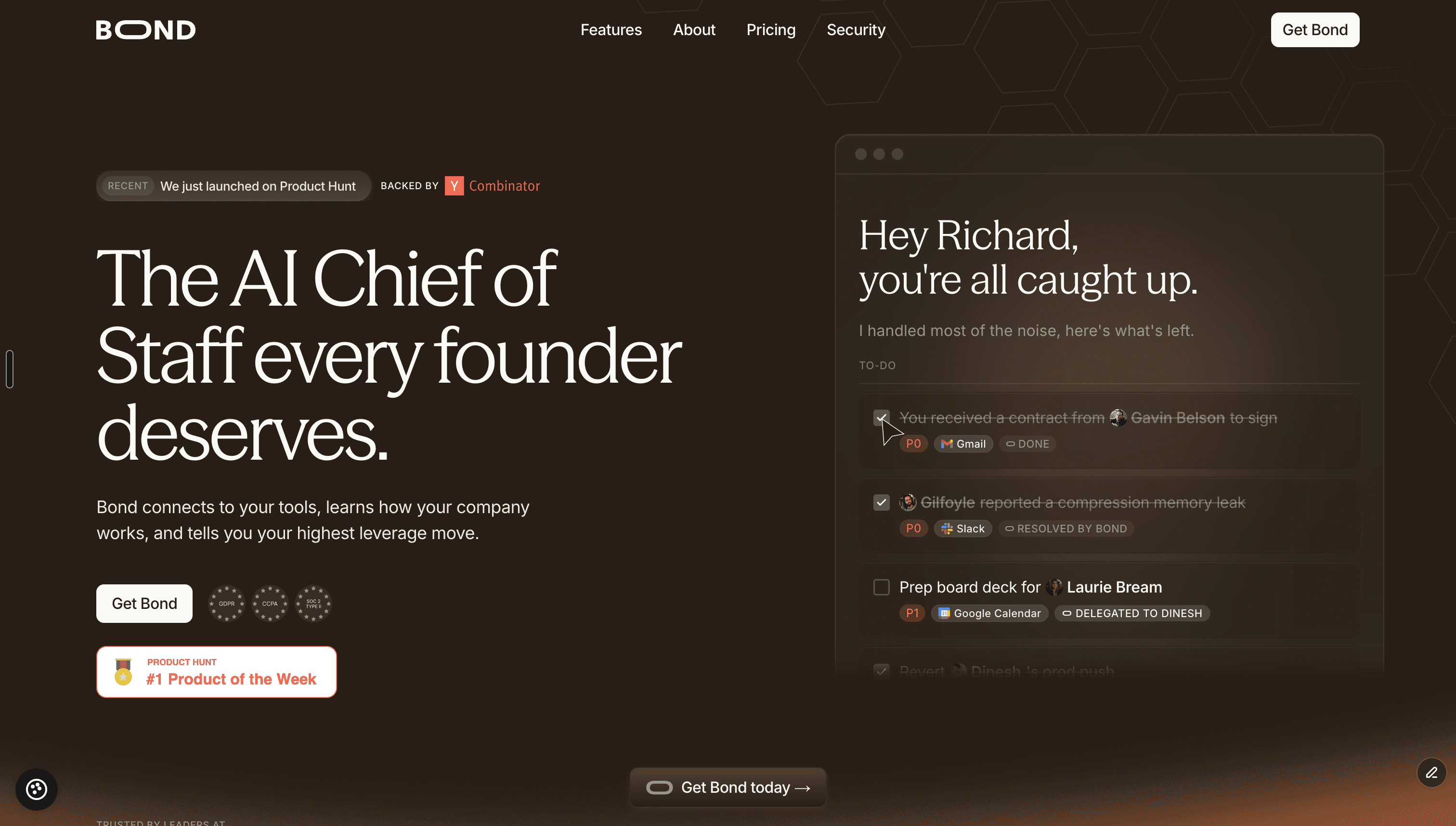
Best for: Executives and Chiefs of Staff who want an AI Chief of Staff across priorities, context, commitments, meetings, and follow-through
Pricing: $99 per seat per month, billed annually; custom Enterprise pricing
Bond connects to the tools where a company already works, builds an ongoing understanding of the organization, and tells each leader what needs their attention next. Rather than returning a flat list of tasks, it ranks work by importance and identifies commitments across meetings, email, Slack, and other connected systems.
Its core difference is scope. Many AI assistants specialize in one narrow surface—such as inbox triage, scheduling, meeting notes, or calendar planning. Bond is designed around the complete loop of executive work:
Understand what is happening.
Identify the highest-leverage priority.
Capture what the executive promised.
Track what other people owe.
Follow through until the thread is closed.
Bond lives in Slack and connects to tools including Gmail, Google Calendar, Outlook, Notion, Linear, Jira, Asana, meeting assistants, and other parts of the company stack. New integrations ship regularly and that it works across connected systems through MCP.
Why Bond stands out
Bond catches commitments from meetings, Slack threads, and inboxes, then adds them to the user’s prioritized list. It also maintains a “waiting on others” view for pending replies, approvals, and deliverables, and can follow up on open threads.
That makes it particularly useful for:
Founders coordinating a fast-moving team
Chiefs of Staff tracking commitments across an organization
Executives who receive work through many different tools
Leadership teams that want shared company context while preserving individual priority lists
Operators who spend too much time manually chasing updates
Bond supports both individual executives and leadership teams. Each user receives their own context and priorities, while the system can also surface what is happening across the organization.
Security
Bond states that data is encrypted in transit and at rest, is not sold, and is not used to train AI models. It also says customers can disconnect integrations or close their accounts, with data removed from active systems within 30 days. Security certifications include SOC 2 Type II, SSO, SCIM, audit logs, and more.
2. Lindy
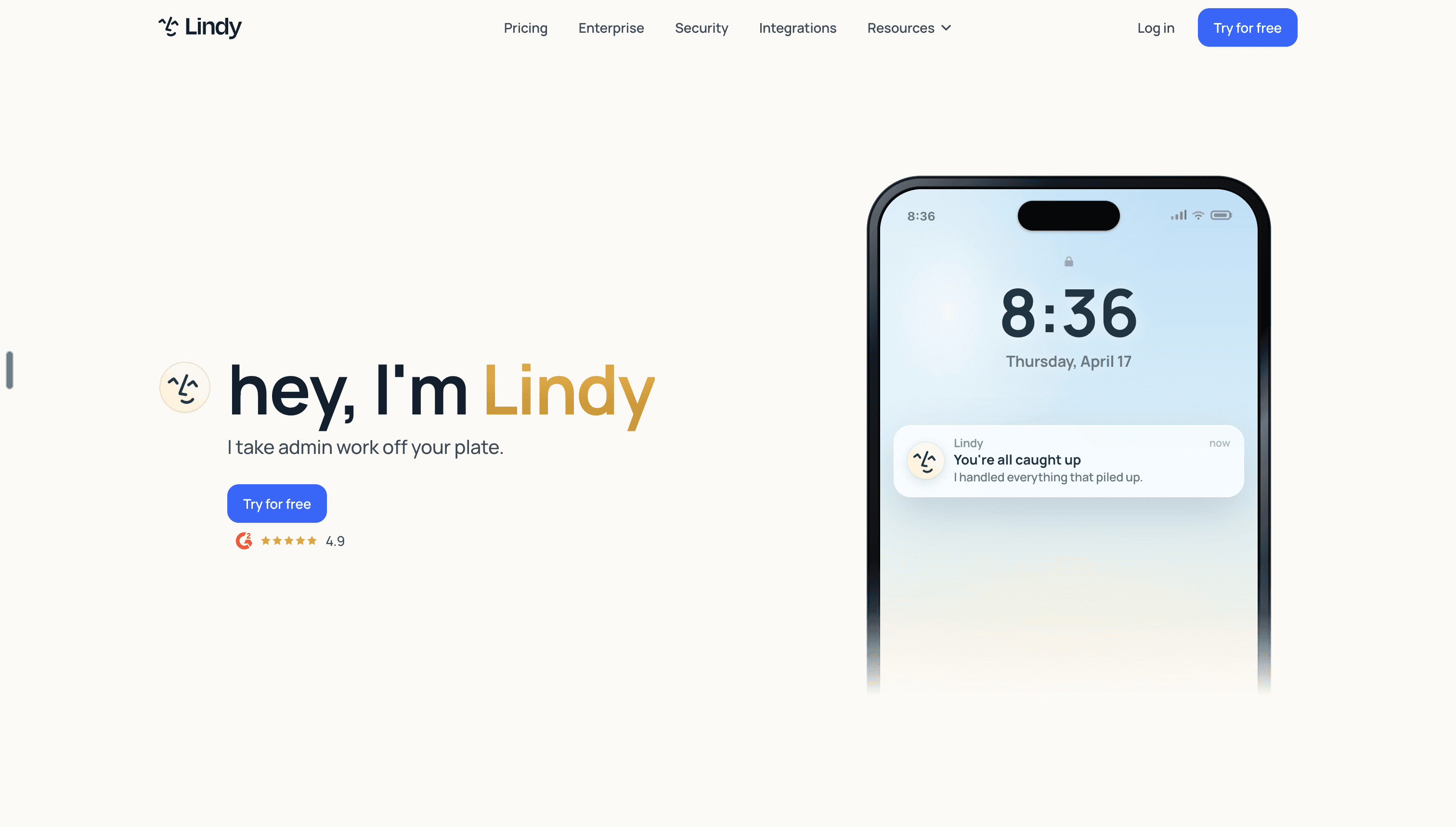
Best for: Executives who want inbox, calendar, meeting, and follow-up assistance with flexible automation
Pricing: Plus starts at $49.99 per month; Pro is currently listed at $59.99 per month; Enterprise pricing is custom
Lindy positions itself as an AI executive assistant that manages email, meetings, calendars, and follow-ups. Its Plus plan includes support for up to two inboxes, email drafting, meeting scheduling, meeting notes, meeting preparation, follow-up, and more than 100 integrations.
Lindy is particularly attractive for users who want both a ready-made assistant and the flexibility to configure more tailored agents and workflows. It can draft in the user’s voice, coordinate meetings, prepare context before calls, and help move work forward afterward.
Why Lindy stands out
Its strongest advantage is flexibility. A user can begin with the standard executive-assistant experience and expand into more customized automations as their needs grow.
Lindy also uses an approval-oriented approach. Its pricing FAQ states that it drafts emails and messages for the user to review rather than sending them without approval.
Security
Lindy states that encryption is standard, customer data is not sold or used to train models, and approvals are built into the product. Its site lists GDPR, SOC 2 Type I, HIPAA, and PIPEDA compliance, while Enterprise includes controls such as SSO, SCIM, and audit logs.
Potential limitations
Lindy is primarily framed as an assistant for an individual user. Teams seeking one shared intelligence layer across the executive organization should compare that model carefully against products designed around leadership-team context.
3. Littlebird
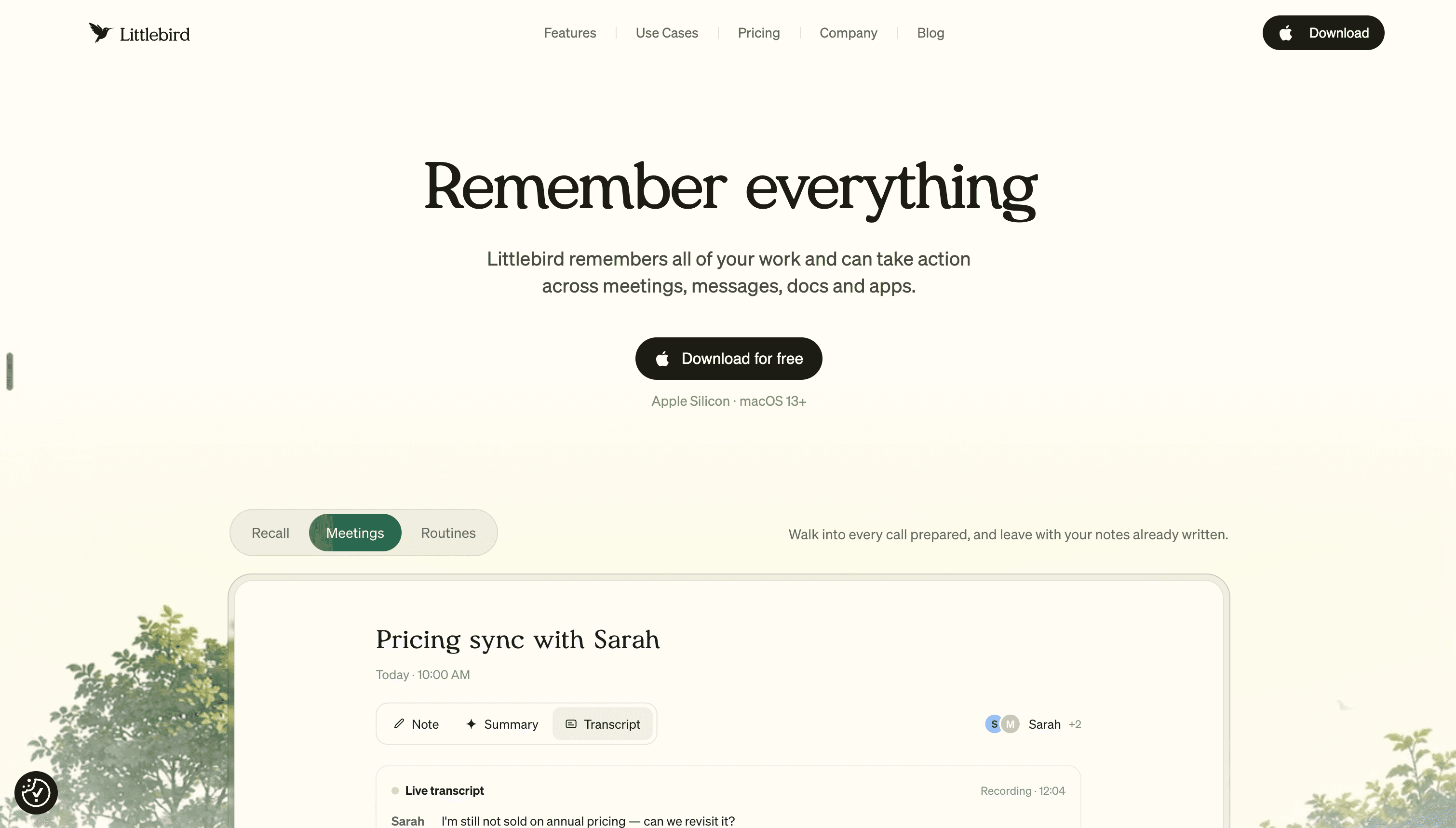
Best for: Executives who want contextual memory across apps, meetings, screens, and devices
Pricing: Free plan available; Plus is $17 per month annually or $20 monthly; Power is $42 annually or $50 monthly; Pro starts at $100 per month
Littlebird builds context by observing the user’s active screen, listening during meetings, and optionally connecting to applications such as email, calendar, project-management, finance, analytics, and meeting tools. That means it can understand work across apps even when a formal integration is not available.
Its main value proposition is eliminating the need to repeatedly brief an AI assistant. Littlebird already has a memory of the documents, emails, projects, websites, and meetings the user has encountered.
It is available on Mac and Windows, with companion applications for iOS and Android.
Why Littlebird stands out
Littlebird is a strong option for executives who constantly move between tools and want one contextual layer across everything they see.
Its functionality includes:
Cross-app search
Meeting transcription and summaries
Personalized routines and proactive updates
Drafting based on existing work context
Optional integrations for deeper access
Mobile access away from the desktop
Paid plans increase usage limits, memory, meeting-note capabilities, and access to features such as MCP.
Security
Littlebird says data is encrypted at rest and in transit, is stored through AWS, is not sold, and is not used to train its AI models. It states that it is SOC 2 certified and compliant with GDPR and CCPA, and users can delete all or selected portions of their stored data.
Potential limitations
Littlebird’s screen-based context is the feature that makes it unusually flexible, but security-conscious buyers may want to review exactly what the application can see, what is retained, and how access should be configured for sensitive workflows.
4. Ambient
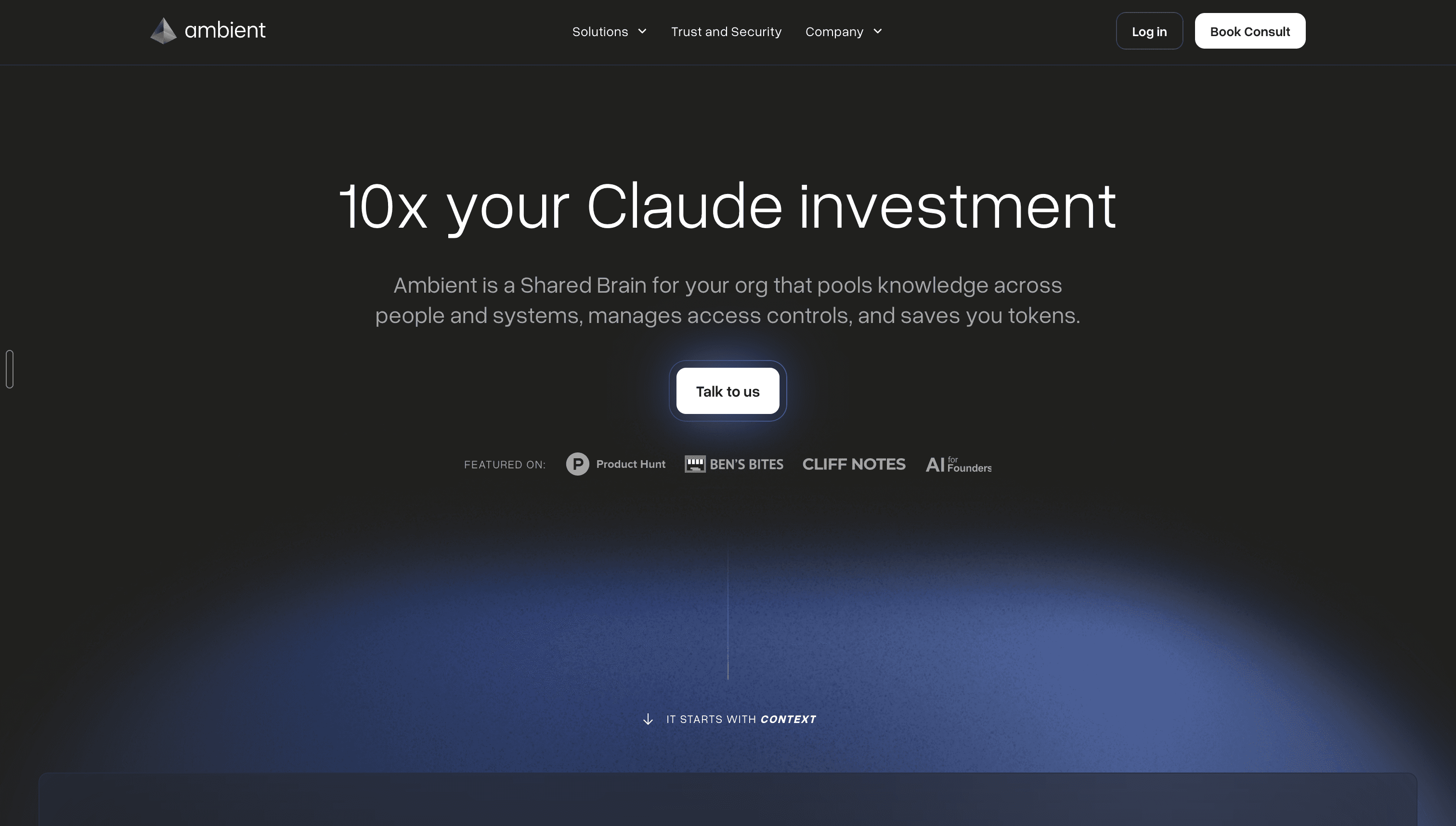
Best for: Leaders who want a proactive, approval-gated assistant that starts working with minimal setup
Pricing: Free for individuals during early access; custom pricing for teams and Enterprise
Ambient describes itself as a delegated personal agent that reads, acts, remembers, and waits across the tools a user already uses. It drafts replies, organizes the inbox, coordinates calendar events, prepares for meetings, captures action items, and follows up on open threads.
Its central promise is proactivity. Rather than waiting for a prompt, Ambient watches for moments where it can help and stages a proposed action.
Why Ambient stands out
Ambient’s default model is “stage and approve.” It prepares an email, meeting, reminder, or other action, but the user reviews it before anything is sent externally. Users may later choose to auto-approve specific recurring patterns, but the default is conservative.
The platform supports a broad set of tools, including Google Workspace, Microsoft applications, Slack, Notion, Asana, Jira, Trello, Calendly, Dropbox, and others.
It also combines meeting preparation, live notes, recaps, action-item extraction, inbox drafting, and persistent memory in one assistant.
Security
Ambient says account data is not used to train models and is encrypted in transit and at rest. Users can delete memories, disconnect integrations, or wipe their data. It is designed for GDPR readiness, while SOC 2 Type II certification is currently listed as in progress.
5. alfred_
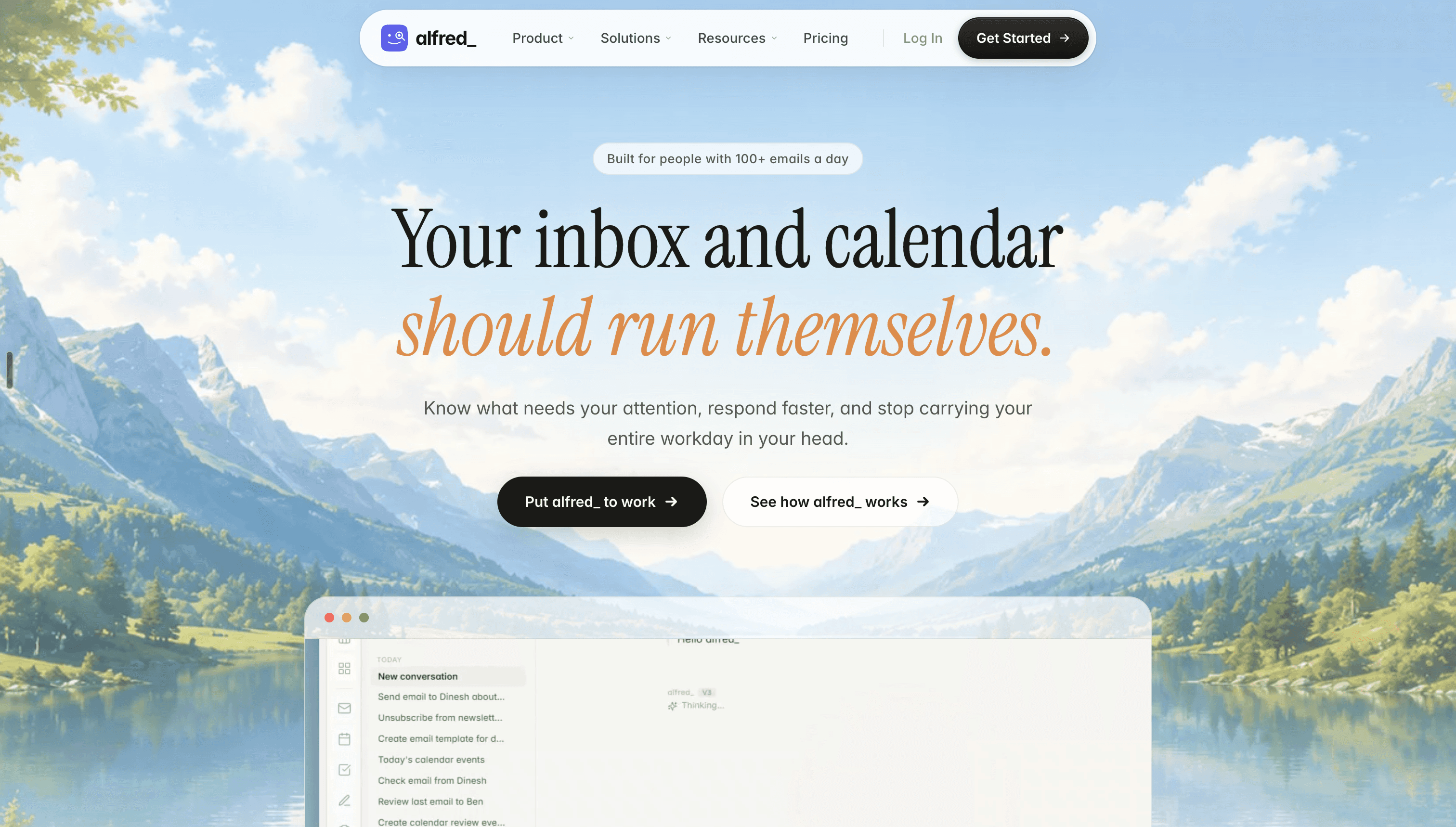
Best for: Founders, consultants, and solo operators who want affordable support across email, calendar, tasks, and daily planning
Pricing: $24.99 per month or $249 per year; team plans are $29.99 per seat per month with a two-seat minimum
alfred_ is an always-on executive assistant focused on email, calendar, and task management. It triages the inbox, drafts replies, extracts tasks from messages, provides calendar intelligence, and produces daily briefings.
The product is aimed at people whose time has a clear financial value—such as founders, consultants, agency owners, executives, and other billable professionals.
Why alfred_ stands out
Its proposition is straightforward: reduce administrative overhead without requiring a large software budget or a complex workspace migration.
Core features include:
Email triage and prioritization
Reply drafting
Task extraction
Calendar management
Follow-up monitoring
A daily brief of what needs attention
The relatively low monthly price makes it an accessible entry point for someone exploring AI executive assistance for the first time.
Potential limitations
alfred_ is narrower than the company-context platforms on this list. Its center of gravity is email, calendar, and personal task management—not a shared operating brain across an entire leadership team.
It may be an excellent fit for a solo operator but less appropriate as a replacement for a Chief of Staff trying to coordinate complex context across multiple executives, departments, and project systems.
6. Macro
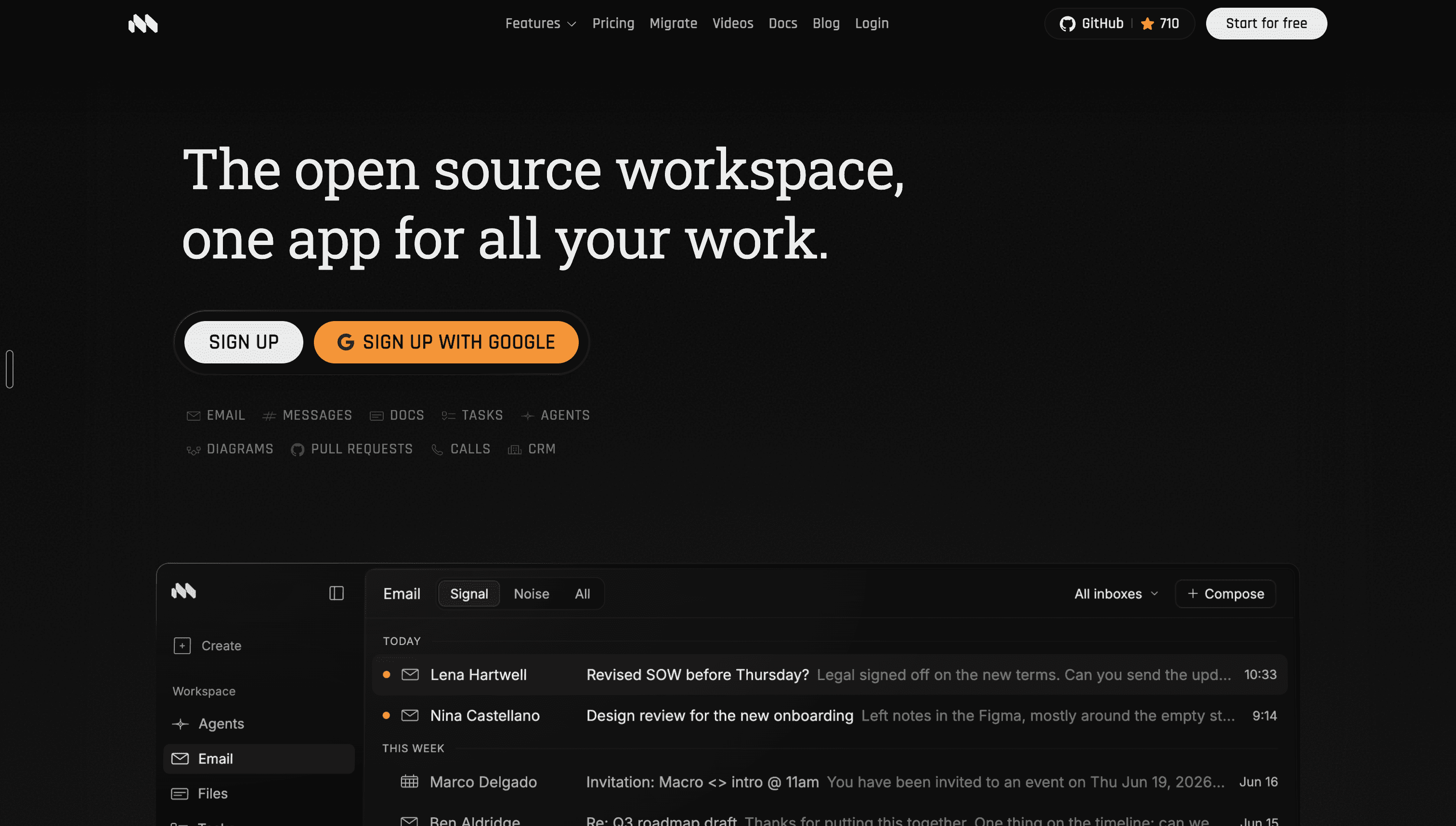
Best for: Teams that want to consolidate email, chat, documents, tasks, calls, and CRM into one workspace
Pricing: Free for personal use; $40 per seat per month for teams; custom Enterprise deployment
Macro is an open-source workspace that combines email, messages, documents, tasks, calls, CRM, and AI agents in one product. It builds shared team memory from work already happening across the unified environment.
Unlike a traditional AI executive assistant that connects to an existing stack, Macro’s approach is to replace much of that stack.
Why Macro stands out
Macro is open source, meaning it supports self-hosting and custom deployment for Enterprise customers.
Security
Macro states that it uses zero-data-retention agreements with model providers, does not permit model training on customer data, and is SOC 2 Type II certified.
7. Sunsama
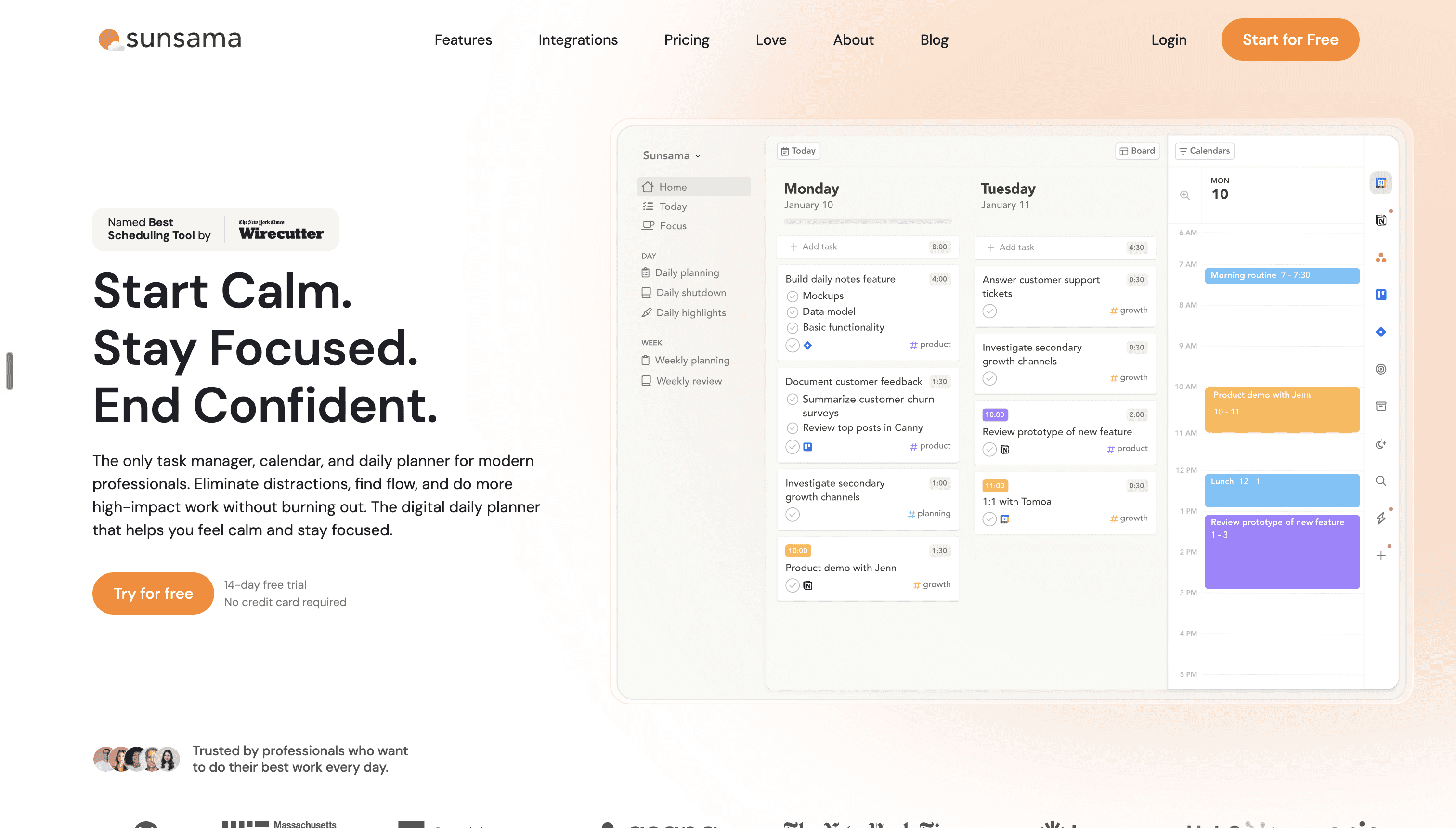
Best for: Executives who want a deliberate daily-planning ritual and stronger control over their time
Pricing: $22 per month or $17 per month when billed annually; an AI, MCP, and Zapier add-on is listed at $22 per month
Sunsama combines task management, calendar planning, timeboxing, and a guided daily-planning workflow. It helps users decide what they can realistically complete, pull tasks from connected tools, and avoid overcommitting their day.
Its built-in AI assistant, Sunny, can create and edit tasks, manage the backlog, reorder the day, work with calendar events, and summarize completed work.
Why Sunsama stands out
Sunsama is intentionally calmer and more deliberate than autonomous agents.
It is best suited to a leader who wants to maintain direct control over planning while reducing the friction of:
Collecting tasks from several systems
Estimating how long work will take
Timeboxing work on the calendar
Reviewing priorities each morning
Conducting an end-of-day shutdown
Recognizing when the day is overloaded
Security
Sunsama states that its AI features do not use customer data to train third-party models, and that relevant data is encrypted. Its Enterprise offering includes SSO, SAML, SCIM, audit logs, and custom privacy requirements.
Potential limitations
Sunsama is a planning product, not a fully autonomous executive assistant.
It can help users organize and execute known work, but it is not primarily designed to scan every company conversation, discover every commitment, and independently chase open threads.
8. Motion
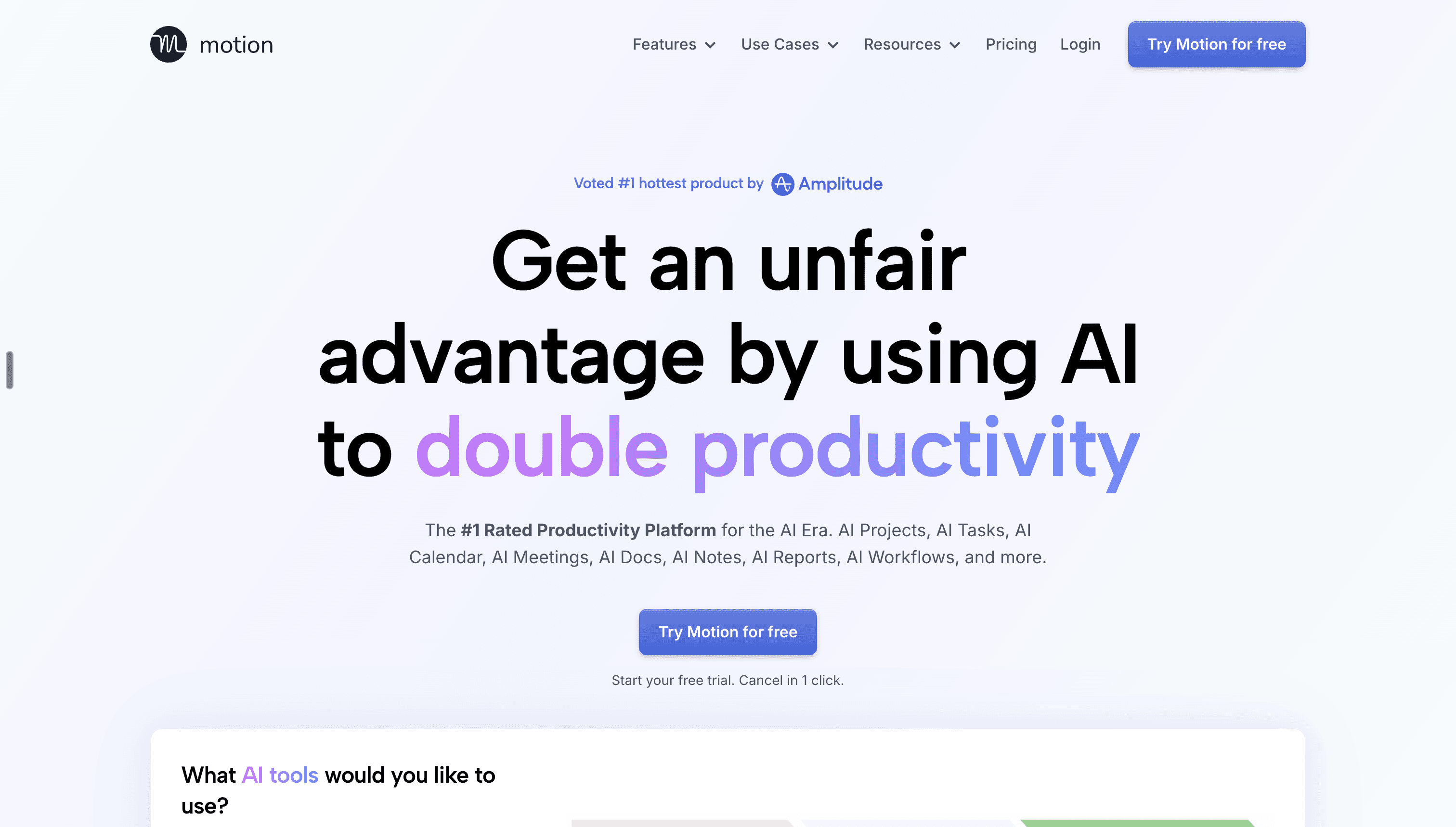
Best for: Teams that want AI scheduling, task management, project coordination, meetings, and documents in one suite
Pricing: The current pricing page lists Pro AI at $19 per seat per month and Business AI at $29 per seat per month, with usage credits included
Motion positions itself as an AI-powered work suite spanning projects, tasks, calendars, meetings, documents, and search. Its AI can create and prioritize tasks, generate projects, schedule work around the calendar, take meeting notes, and help draft or organize documents.
Why Motion stands out
Motion is strongest when planning and execution need to be connected.
Its AI Calendar continuously adjusts the schedule as deadlines, meetings, and priorities change. The product can flag overloaded capacity, protect high-priority work, and recalculate a user’s day when new work arrives.
For teams, Motion also includes:
AI project management
Capacity planning
Gantt charts and timelines
Project dashboards
Time tracking
Permissions and access controls
AI documents and task extraction
Security
Motion states that it has completed a SOC 2 Type II audit and encrypts data both in transit and at rest.
Which AI executive assistant should you choose?
The best AI executive assistant is the one that matches the actual bottleneck in your day.
A planning problem calls for a planner.
An inbox problem calls for an inbox assistant.
Tool fragmentation may call for a unified workspace.
But when the problem is broader: too much context, too many commitments, unclear priorities, constant meetings, and open threads scattered throughout the company, you need more than another productivity app.
You need a system that understands what is happening and tells you what to do next.
That is the problem Bond is built to solve.
More blog
Read more. We’ve got more.

Guides
How to build your own morning briefing in 5 minutes
And why every executive needs one

Chloe Samaha
Sep 15, 2026

Guides
Chief of Staff vs. Executive Assistant: Which One Do You Actually Need?
An Executive Assistant runs your calendar, inbox, and day-to-day logistics so nothing falls through the cracks. A Chief of Staff runs cross-functional priorities and decisions, extending your judgment across the company.

Teagan Yuen
Aug 16, 2026

Guides
What Does a Chief of Staff Actually Do? (2026 Guide)
What a Chief of Staff actually does, and why the role matters more than ever.
Teagan Yuen
Aug 16, 2026

" height="24px" id="n0ThsrZ2n" width="77.39138818773047px"/><path d="M 0 0.064 C 0.102 0.064 0.204 0.013 0.306 0.013 C 0.817 0.013 1.328 0.013 1.838 0.064 C 1.94 0.064 1.94 0.115 1.991 0.166 C 2.757 1.749 3.523 3.383 4.34 5.017 C 4.494 5.374 4.647 5.681 4.851 5.987 C 5.004 5.732 5.157 5.477 5.311 5.17 C 6.179 3.434 7.047 1.749 7.915 0.013 C 8.477 0.013 9.038 -0.038 9.651 0.064 C 9.549 0.421 9.345 0.677 9.191 0.983 C 8.068 3.179 6.894 5.374 5.719 7.57 C 5.668 7.672 5.668 7.723 5.668 7.826 L 5.668 12.523 L 3.983 12.523 L 3.983 7.928 C 3.983 7.774 3.983 7.57 3.881 7.417 C 2.809 5.426 1.787 3.434 0.715 1.391 C 0.511 0.983 0.255 0.523 0 0.064 Z" fill="rgb(255, 254, 254)" height="12.523404255319157px" id="eud9pHCIt" transform="translate(7.118 5.847)" width="9.651063829787233px"/><path d="M 58.012 0.357 C 58.471 0.204 58.931 0.102 59.441 0 C 59.339 0.868 59.288 1.736 59.288 2.655 C 60.003 2.655 60.769 2.655 61.484 2.706 C 61.382 3.064 61.229 3.37 61.076 3.677 L 59.186 3.677 L 59.186 6.128 C 59.186 6.74 59.237 7.404 59.186 8.068 C 59.186 8.783 59.186 9.549 59.237 10.264 C 59.237 10.57 59.544 10.774 59.799 10.877 C 60.259 10.979 60.718 10.928 61.178 10.826 C 61.28 11.081 61.331 11.387 61.331 11.643 C 60.922 11.847 60.463 11.898 60.003 11.949 C 59.39 11.949 58.676 11.847 58.216 11.387 C 57.859 11.03 57.859 10.468 57.807 10.009 C 57.756 8.987 57.807 7.915 57.756 6.894 L 57.756 3.728 L 56.582 3.728 L 56.582 2.706 L 57.756 2.706 C 57.91 1.889 57.91 1.072 58.012 0.357 Z M 3.884 2.4 C 4.241 2.4 4.65 2.4 5.007 2.502 C 5.824 2.757 6.539 3.37 6.948 4.085 C 7.305 4.749 7.561 5.464 7.612 6.23 C 7.663 7.251 7.714 8.272 7.356 9.243 C 7.05 10.162 6.437 10.979 5.569 11.438 C 4.701 11.898 3.68 11.949 2.761 11.694 C 1.944 11.489 1.229 10.928 0.718 10.213 C 0.207 9.447 0.003 8.528 0.003 7.557 C 0.003 6.689 -0.048 5.77 0.259 4.902 C 0.514 4.085 1.076 3.319 1.841 2.809 C 2.199 2.604 2.556 2.4 2.965 2.349 C 3.271 2.4 3.578 2.4 3.884 2.4 Z M 3.169 3.574 C 2.71 3.677 2.25 3.983 1.995 4.391 C 1.637 5.004 1.535 5.719 1.535 6.434 C 1.484 6.945 1.535 7.455 1.586 7.966 C 1.688 8.579 1.79 9.243 2.097 9.804 C 2.403 10.417 3.067 10.672 3.731 10.723 C 4.344 10.774 5.007 10.621 5.467 10.111 C 5.824 9.702 6.029 9.243 6.08 8.681 C 6.182 8.017 6.182 7.353 6.131 6.74 C 6.131 6.077 6.029 5.362 5.773 4.698 C 5.62 4.289 5.314 3.983 4.956 3.779 C 4.395 3.472 3.782 3.421 3.169 3.574 Z M 10.114 2.706 C 10.522 2.553 10.931 2.451 11.39 2.4 C 11.544 2.809 11.646 3.217 11.697 3.677 C 12.003 3.523 12.207 3.268 12.514 3.115 C 13.127 2.655 13.893 2.4 14.659 2.4 C 14.812 2.4 15.016 2.451 15.169 2.553 C 15.424 2.706 15.68 2.809 15.935 3.013 C 16.139 3.217 16.293 3.523 16.446 3.779 C 16.803 3.626 17.059 3.319 17.365 3.115 C 17.876 2.757 18.488 2.451 19.203 2.4 C 19.816 2.349 20.429 2.553 20.888 2.962 C 21.093 3.166 21.297 3.37 21.399 3.626 C 21.501 3.881 21.552 4.136 21.552 4.443 C 21.654 5.872 21.603 7.353 21.654 8.783 L 21.654 11.694 L 20.224 11.694 L 20.224 7.353 C 20.224 6.434 20.224 5.515 20.173 4.545 C 20.122 4.238 19.969 3.983 19.714 3.779 C 19.459 3.626 19.101 3.626 18.744 3.626 C 18.182 3.677 17.722 4.034 17.263 4.391 C 17.059 4.545 16.854 4.749 16.65 4.902 C 16.599 4.953 16.599 5.055 16.599 5.106 L 16.599 11.643 L 15.169 11.643 L 15.169 5.311 C 15.169 4.902 15.169 4.443 15.016 4.085 C 14.71 3.677 14.148 3.574 13.688 3.728 C 12.973 3.881 12.361 4.34 11.799 4.851 C 11.697 4.902 11.697 5.004 11.697 5.106 L 11.697 11.694 L 10.471 11.694 C 10.42 9.447 10.471 7.2 10.369 4.953 C 10.369 4.443 10.369 3.932 10.267 3.421 C 10.216 3.166 10.114 2.911 10.114 2.706 Z M 34.471 2.655 C 34.931 2.604 35.39 2.502 35.85 2.4 C 35.901 3.677 35.901 4.953 35.901 6.179 L 35.901 11.643 L 34.471 11.643 L 34.471 3.83 C 34.471 3.472 34.42 3.013 34.471 2.655 Z M 52.803 2.451 C 53.773 2.604 54.59 3.523 54.641 4.545 C 54.693 6.026 54.641 7.557 54.641 9.038 L 54.641 9.498 C 54.641 9.804 54.641 10.111 54.744 10.366 C 54.795 10.672 55.101 10.826 55.305 10.979 C 55.101 11.234 54.948 11.591 54.693 11.796 C 54.539 11.949 54.335 11.796 54.233 11.694 C 53.876 11.438 53.671 11.081 53.467 10.672 C 53.161 10.826 52.956 11.132 52.599 11.285 C 52.088 11.643 51.476 11.796 50.812 11.796 C 50.25 11.796 49.688 11.694 49.178 11.438 C 48.361 10.979 47.901 10.06 47.952 9.14 C 47.952 8.272 48.412 7.404 49.076 6.894 C 49.893 6.281 50.965 6.077 51.986 5.974 C 52.446 5.923 52.905 5.923 53.416 5.923 C 53.416 5.464 53.416 5.004 53.314 4.545 C 53.263 4.187 53.059 3.779 52.701 3.574 C 52.293 3.37 51.782 3.319 51.322 3.421 C 50.454 3.523 49.637 3.881 48.922 4.391 C 48.718 4.136 48.514 3.881 48.361 3.574 C 48.259 3.421 48.412 3.319 48.514 3.268 C 49.484 2.757 50.505 2.298 51.629 2.298 L 52.088 2.298 C 52.344 2.4 52.548 2.4 52.803 2.451 Z M 52.19 6.996 C 51.731 7.047 51.322 7.047 50.863 7.149 C 50.352 7.302 49.893 7.609 49.586 8.068 C 49.433 8.323 49.433 8.63 49.433 8.936 C 49.433 9.243 49.382 9.6 49.535 9.906 C 49.637 10.213 49.893 10.519 50.199 10.621 C 50.556 10.774 50.965 10.774 51.373 10.774 C 51.833 10.723 52.241 10.468 52.599 10.162 C 52.905 9.906 53.212 9.6 53.212 9.191 C 53.263 8.477 53.263 7.711 53.263 6.996 C 52.905 7.047 52.548 6.945 52.19 6.996 Z M 67.714 2.502 C 68.531 2.706 69.246 3.217 69.756 3.881 C 70.165 4.443 70.42 5.055 70.522 5.719 C 70.624 6.332 70.676 6.996 70.624 7.66 C 70.624 8.732 70.267 9.753 69.654 10.57 C 69.144 11.234 68.327 11.643 67.561 11.796 C 66.59 11.949 65.518 11.796 64.65 11.183 C 63.935 10.672 63.476 9.855 63.22 8.987 C 63.067 8.528 63.067 8.119 63.016 7.66 C 63.016 6.894 63.016 6.179 63.118 5.413 C 63.322 4.596 63.731 3.779 64.344 3.166 C 64.803 2.706 65.416 2.451 66.029 2.349 C 66.641 2.349 67.203 2.4 67.714 2.502 Z M 66.182 3.574 C 65.518 3.677 64.956 4.187 64.752 4.8 C 64.497 5.464 64.497 6.179 64.497 6.843 C 64.497 7.506 64.497 8.17 64.65 8.783 C 64.752 9.243 64.854 9.651 65.161 10.009 C 65.416 10.366 65.876 10.57 66.284 10.621 C 66.437 10.672 66.641 10.672 66.795 10.672 L 67.101 10.672 C 67.459 10.621 67.765 10.519 68.071 10.366 C 68.429 10.162 68.684 9.804 68.837 9.396 C 68.99 8.936 69.041 8.426 69.093 7.966 C 69.093 7.404 69.144 6.843 69.093 6.23 C 69.041 5.617 68.99 5.004 68.684 4.494 C 68.429 4.085 68.071 3.779 67.612 3.574 C 67.152 3.472 66.641 3.472 66.182 3.574 Z M 73.076 2.757 C 73.535 2.655 73.944 2.502 74.352 2.4 C 74.607 2.86 74.607 3.37 74.659 3.83 C 74.863 3.677 75.067 3.472 75.271 3.268 C 75.884 2.655 76.803 2.298 77.671 2.451 L 77.671 2.553 C 77.467 2.962 77.365 3.421 77.161 3.881 C 77.161 3.983 77.007 3.932 76.956 3.932 C 76.599 3.932 76.139 3.932 75.833 4.136 C 75.476 4.34 75.22 4.596 74.965 4.902 C 74.71 5.209 74.761 5.617 74.761 5.974 C 74.761 6.485 74.71 6.996 74.761 7.506 L 74.761 11.694 L 73.331 11.694 L 73.331 7.047 C 73.331 5.974 73.331 4.953 73.28 3.881 C 73.229 3.472 73.127 3.115 73.076 2.757 Z M 38.659 2.757 C 39.067 2.604 39.527 2.451 39.935 2.451 C 40.088 2.86 40.19 3.319 40.241 3.728 C 40.599 3.472 40.956 3.166 41.314 2.962 C 42.08 2.502 42.999 2.196 43.816 2.502 C 44.327 2.655 44.786 2.962 45.093 3.421 C 45.348 3.728 45.399 4.187 45.45 4.545 C 45.552 5.974 45.501 7.353 45.501 8.783 L 45.501 11.591 L 44.071 11.591 C 44.071 10.06 44.02 8.477 44.02 6.945 C 44.02 6.077 44.02 5.209 43.918 4.34 C 43.765 3.932 43.407 3.574 42.948 3.574 C 42.641 3.574 42.284 3.574 41.978 3.677 C 41.314 3.932 40.701 4.34 40.139 4.8 L 40.139 11.591 L 38.914 11.591 C 38.914 10.315 38.863 9.038 38.863 7.711 C 38.863 6.383 38.863 5.055 38.761 3.728 C 38.863 3.472 38.761 3.115 38.659 2.757 Z" fill="rgb(255, 90, 0)" height="11.948936243451797px" id="ibAaKxqHA" transform="translate(41.107 6.383)" width="77.67127693900127px"/></g></svg>)