Blog · Nov 21, 2026 · Bond team
What Is a Company Brain? How to Set One Up in a Week
How a company brain works, how it differs from a second brain, which kind you need, and how to set one up yourself.
A company brain is one shared memory of how a company works: who owns what, what was decided and why, and what people have promised each other. It is built from the places where work already happens, such as email, chat, meetings and documents, so that people and AI tools can look things up instead of asking around.
This guide explains how a company brain works, how it differs from a personal second brain, which kind you need, and how to set one up yourself in a week. If you would rather not build it, there is a shortcut at the end.
Key takeaways
A company brain reads your team's tools and keeps track of people, projects, decisions and commitments.
A second brain is the personal version: notes one person saves and keeps up to date by hand.
Pick by the job. If people mostly need answers, start with search or a wiki. If things slip, the brain has to show up as work that needs you.
You can set one up in a week with tools you already have, starting with one person before the whole team.
How a company brain works
Most of the value sits in the middle box. Documents are easy to store. Decisions and promises are not, because they are made in email threads, Slack messages and meetings, and they change every day.
A good company brain keeps five things current:
People: who works on what and who reports to whom.
Projects: what is in flight, who owns it and where it stands.
Decisions: what was decided, by whom, and the thread or meeting where it happened.
Commitments: what each person promised, to whom and by when, and whether it was done.
Priorities: what matters this quarter, so it can tell important from merely recent.
Company brain vs second brain
The idea of a second brain was made popular by Tiago Forte's method and book, Building a Second Brain. A company brain moves the same idea from one person's notes to a team's shared record. That is harder than it sounds, because a company has many authors, many points of view and information that not everyone should see.
Why everyone is talking about it now
AI assistants such as ChatGPT and Claude are good at doing work once you give them the context. The problem is that every new chat starts without your company's context: who is on the deal, what was agreed last week, what your boss asked for on Monday.
A company brain fills that gap. Many tools now connect to AI assistants through MCP, an open standard that lets ChatGPT, Claude and similar tools read from and act in other apps. A company brain with MCP means you stop pasting context into every chat.
Which kind do you need?
A wiki or knowledge base
Notion and Slite give a team a place to write things down and find them later. Slite describes itself as an AI knowledge base that stays accurate. Notion AI lets you search, write and ask questions inside Notion. Best for: processes, policies and anything worth writing up. Drawback: it holds what someone wrote down, and most promises never reach the wiki.
Company search
Glean calls itself an enterprise AI platform connected to your company's data. Dust connects company knowledge, tools and teams so you can build and run AI agents. Best for: larger companies with a lot of documents. Drawback: search answers the question you thought to ask. It does not tell you what you forgot.
Shared AI memory
Sentra describes itself as the company brain for teams and AI agents: one memory that every person and AI agent can query. Best for: teams running many AI agents that need the same facts. Drawback: it is a layer other tools draw on, so its value depends on what you connect to it.
A brain that becomes your to-do list
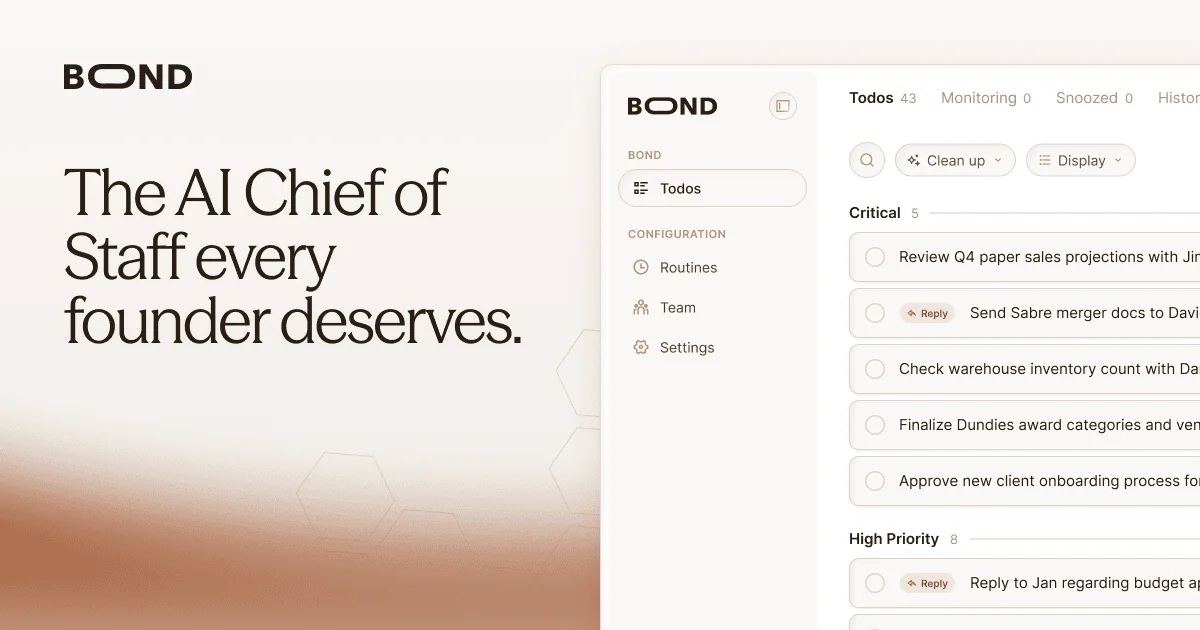
Bond, which we make, reads your email, Slack, calendar and meeting notes, keeps a company brain of your priorities, people and commitments, and turns it into your to-do list, with the message or note behind each item. Best for: founders, executives and teams whose problem is follow-through. Drawback: it is not a place to write documents, so most teams keep a wiki alongside it.
How to set one up in a week
You can build a working company brain with tools you already have. This is the do-it-yourself version, for one person first.
- Day 1: Write down the questions you get asked most.
Keep a list for a day. If most are about documents, you need search or a wiki. If most are about whether something got done, you need to track commitments.
- Day 2: Map where promises are made.


For most teams it is email, Slack and meetings. Note which channels and meetings matter most. A brain that misses one of these misses most of the promises.
Bond reads all of these for you - Day 3: Set the permission rule.
Write one rule and stick to it: people only see what they could already see. Private email and direct messages stay private.
- Day 4: Start a commitment register.
A shared table of every promise: what, who owns it, who it was made to, when it is due, where it came from and its status. The example below is a good start.
Bond builds this from your tools - Day 5: Connect your AI tools.


Give ChatGPT or Claude access to your notes and register through their connectors, often over MCP, so you stop pasting context into chats.
Bond works in Claude, ChatGPT and Cursor - Week 2: Review weekly, then add your team.
Spend 20 minutes each Friday closing what is done and chasing what is late. Once it works for you, add your leadership team.
Bond keeps the list current all day
Here is what a commitment register can look like, with made-up examples:
| What | Owner | Promised to | Due | Where it came from | Status |
|---|---|---|---|---|---|
| Send revised pricing | Maya | Jordan at Acme | Friday | Email, Nov 18 | Open |
| Q1 hiring plan | Sam | Leadership team | Dec 1 | Monday meeting | Late |
| Intro to Northwind's CFO | You | Priya | This week | Slack message | Done |
For a fuller version with a weekly review routine, see how chiefs of staff track commitments.
The hard part is not the setup. It is keeping the register current by hand while new requests keep arriving in email, Slack and meetings. Skip a few Fridays and it goes out of date.
Rather skip the setup?
Bond does days 2 to 6 for you. Connect your email, Slack, calendar and meeting notes in about five minutes. Bond builds your company brain and your to-do list from them, shows where each item came from, and keeps both current. Claude, ChatGPT and Cursor can use the same context through Bond's MCP server.
Try it free with 20,000 creditsQuestions people ask
What is a company brain?
A shared memory of how a company works: people, projects, decisions and commitments, built from the tools where work happens, so people and AI tools can draw on the same context.
What is the difference between a second brain and a company brain?
A second brain is one person's notes, kept up to date by hand. A company brain is shared across a team, is built mostly from your work tools, and has to respect who can see what.
Is a company brain the same as a knowledge base?
Not quite. A knowledge base holds what people chose to write down. A company brain also learns from email, chat and meetings, which is where most decisions and promises happen.
Can I connect a company brain to ChatGPT or Claude?
Often, yes. Many tools offer an MCP server, which lets ChatGPT, Claude and similar assistants read from them. Bond's MCP server gives Claude, ChatGPT and Cursor your to-do list and company context.
How long does it take to set up?
The do-it-yourself version above takes about a week for one person, plus 20 minutes of upkeep a week. A tool that reads your accounts for you, such as Bond, takes minutes to connect.
Sources
Each product's description was read from its own website on November 21, 2026: buildingasecondbrain.com, notion.com, slite.com, glean.com, dust.tt, sentra.app and bondapp.io.